Learning OpenCV
Recently, I wanted to build a simple gesture detection program using Python. I have done several projects in Python, mostly web apps using Django. However, of late, I just wanted to explore a different side of things. Enter gesture detection and machine learning.
I learned of a library called OpenCV that is great for image capturing and image manipulation. I did my research on it: what it is, why it was created, its uses, how to use it, and the differences between it and MediaPipe, its very close companion. So let's get into it.
What is OpenCV
Open Source Computer Vision(OpenCV or cv2), is a library used for real-time-computer vision. It was developed by Dr. Gary Bradski at Intel. They began in 1999 and launched the alpha version on June, 2000, the full 1.0 release was in 2006.
Why was it created?
Everything in this universe was created for a reason, that's what I believe anyway, but that's a story for another day. So, why was it created?
1. No more reinventing the wheel
Basically, instead of everyone having to rewrite code to process images, track objects, identify objects, etc., OpenCV provided developers with a ready-made tool to use out of the box. Intel encouraged developers to focus on building their products, not on the low-level image math, making their lives easier.
2. Make code easier to share and understand
With a singular tool for image manipulation and more, the code became more user-friendly, allowing developers to share knowledge more effectively. It also made learning easier, as there was now a more predictable way of working with images. This has many advantages, such as easier code reuse, faster collaboration, and simpler learning.
3. Businesses can use the code
This means that businesses could use the open-source library without necessarily open-sourcing their product.
Uses and Applications
So, now we know the tool, how do we use it? Turns out, there are several uses for OpenCV or cv2, and what I've provided here is just but a scratch on the surface, also very surface level.
- Face recognition - locating faces within an image or video stream. This obviously has many uses i.e. face extraction, grouping similar faces etc.
- Augmented Reality
- Object detection - using cv2, a user can identify several objects in an image.
- Motion video tracking
- Gesture recognition
Real Life Applications
There are several real-life applications of OpenCV, but one that stood out to me is its use in industrial quality control. In solar panel manufacturing, computer vision systems powered by OpenCV are used to detect defects with high precision. Instead of relying on human inspection, the system processes images of the panels, detects edges, measures component alignment, and identifies inconsistencies.
By analyzing these images, the system can flag defects such as misalignments or structural errors in real time. This not only improves accuracy but also speeds up production and reduces human error. In such cases, OpenCV acts as the "eyes" of the system, capturing and processing visual data, which is then used to make decisions about product quality.
So, How Do We Use It?
Now that we know what it is, how do we use it? Well, here are a few simple examples I have learnt during the short time I've interacted with cv2.
1. Installation
For this example, I'll be using Python with Windows, as that is what I currently have.
pip install opencv-python
2. Drawing Simple Shapes Using OpenCV
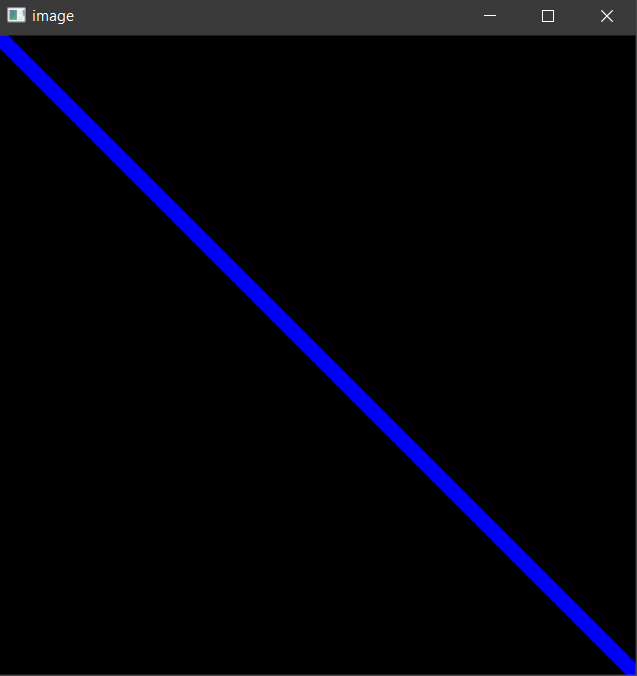
a) Drawing a line
import cv2
import numpy as np

# This code draws a line starting from top left and ends at the bottom right corner.
# Its a blue line.
img = np.zeros((512,512,3), np.uint8)
cv2.line(img,(0,0),(511,511),(255,0,0),5)
cv2.imshow("Line", img)
cv2.waitKey(0)
cv2.destroyAllWindows()
b) Drawing a rectangle
import cv2
import numpy as np

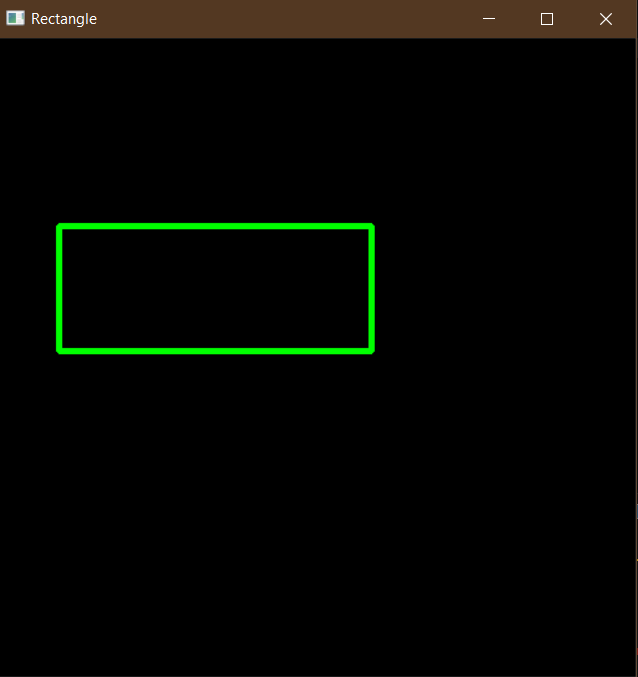
img = np.zeros((512,512,3), np.uint8)
cv2.rectangle(img,(384,0),(510,128),(0,255,0),3)
cv2.imshow("Rectangle", img)
cv2.waitKey(0)
cv2.destroyAllWindows()
c) Drawing a circle
import cv2
import numpy as np

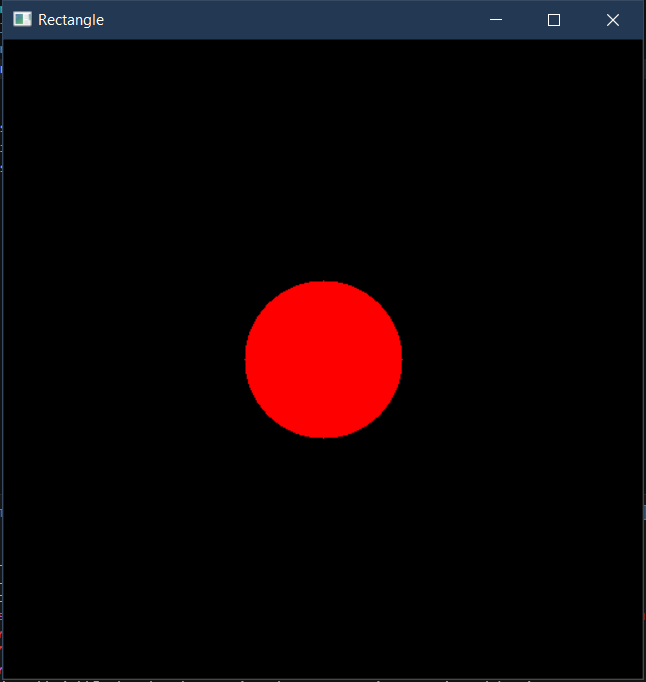
img = np.zeros((512,512,3), np.uint8)
cv2.circle(img,(256,256), 63, (0,0,255), -1)
cv2.imshow("Circle", img)
cv2.waitKey(0)
cv2.destroyAllWindows()
Note: The
cv2.imshow(),cv2.waitKey(0)andcv2.destroyAllWindows()at the end of each example are essential — they display the image in a window and cleanly close the program when done.
3. Opening a Camera Using OpenCV
import cv2

cap = cv2.VideoCapture(0)
if not cap.isOpened():
    print("Error could not open web cam")
    exit()
while True:
    ret, frame = cap.read()
    if not ret:
        print("Failed to grab frame")
        break
    frame = cv2.flip(frame,1)
    cv2.imshow("Webcam", frame)
    if cv2.waitKey(1) & 0xFF == ord('q'):
        break
cap.release()
cv2.destroyAllWindows()
Differences with MediaPipe
Many projects that use OpenCV will most likely also use MediaPipe. However they are two completely different things.
MediaPipe is an open source framework for building and deploying machine-learning pipelines. These pipelines are able to process multimedia data i.e. images, video and audio in real time. It was built by Google.
To make this clearer, here's an analogy:
OpenCV - think of it as the camera to a building. It only captures and records people and things moving in and out of the building. It can also do some image manipulation i.e. grayscaling, resizing etc.
MediaPipe - think of it as the security/human guy watching the camera feed. He can know what is that moving. He knows that is a human moving in this direction. He knows what each item is doing in the image or video feed.
So, that's it, that's what I've found so far about OpenCV. It is such a broad field. Honestly, to talk about would take forever. In fact, what I've shared is barely scratching the surface. There's so much I haven't explored, but I hope to change that soon.